How-to · about 20 min
How to Do a Cold Pull to Clear a Nozzle
Pull a plug of filament out of a partly clogged nozzle so it carries dirt and burnt residue with it, and get steady extrusion back without taking the hot end apart.
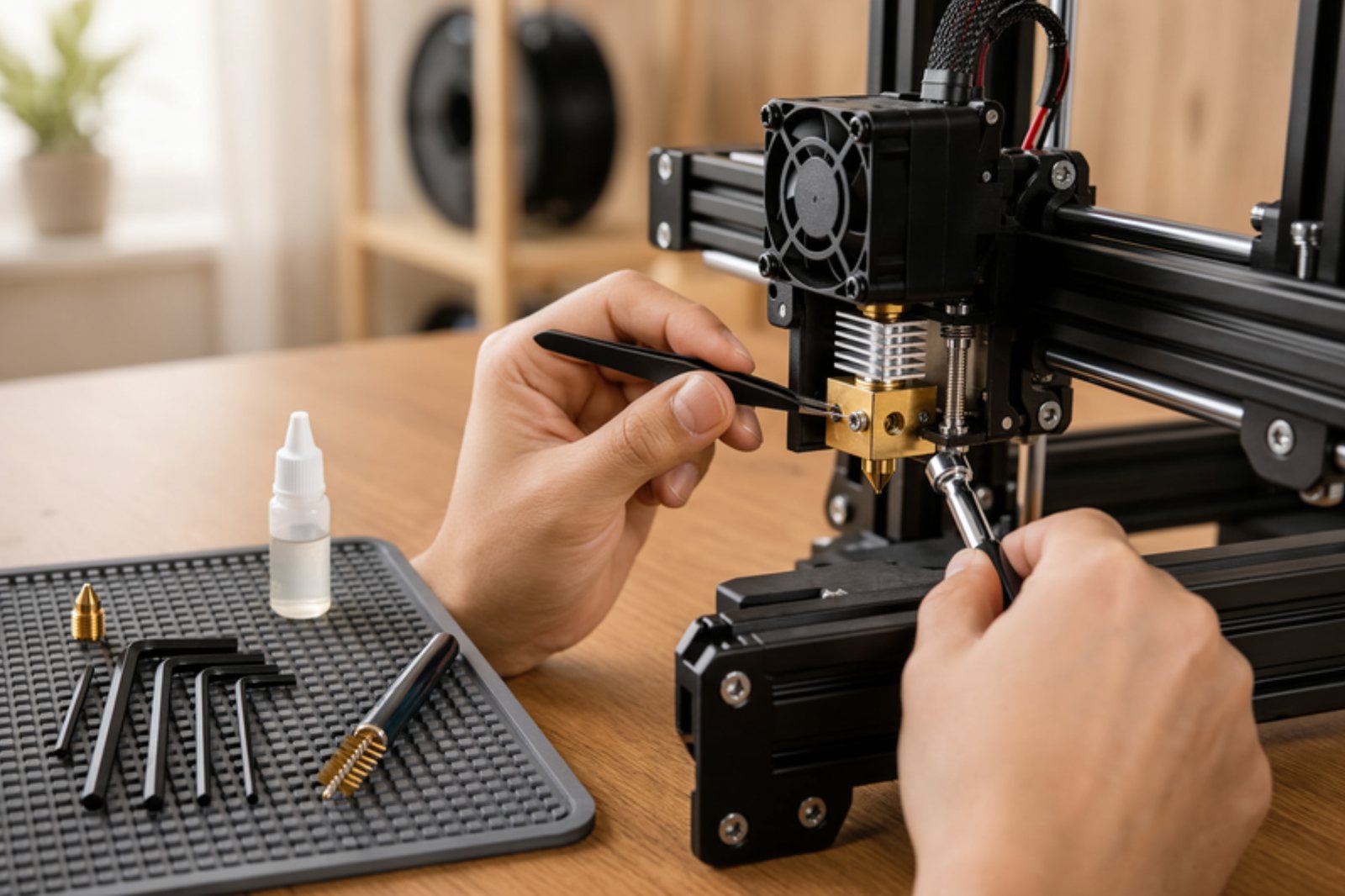
- 01
Prepare the printer
Home the printer and raise the nozzle about 50 mm above the bed so you can see and reach it. Turn off any print in progress and keep the area clear. If your printer has a removable bowden tube or a filament path that is hard to reach, check the maker's guide for how to feed filament by hand.
- 02
Remove the old filament
Heat the nozzle to the printing temperature of the filament currently loaded. Unload it using the printer's unload function or by pushing a little through and then pulling it out firmly. The nozzle is now hot, so keep your hands away from the heater block.
- 03
Load the cleaning filament
Trim the end of your nylon or PLA filament to a clean, straight tip. Set the nozzle to the normal printing temperature for that filament, typically 200 to 220 C for PLA or 240 to 260 C for nylon, and check the filament maker's guidance. Push the filament in by hand until it flows steadily out of the nozzle.
- 04
Pack the nozzle
Keep gentle pressure on the filament for a few seconds so it fills the nozzle and picks up debris. Turn off the heater while still holding light pressure. This packs soft plastic into every corner of the melt zone.
- 05
Let it cool to the pull temperature
Watch the temperature fall on the display. Aim for roughly 80 to 100 C for PLA or 130 to 150 C for nylon, though the best point varies by filament and machine. Keep your hand on the filament but do not pull yet.
- 06
Pull the filament out
When the target temperature is reached, pull the filament straight up with a firm, quick tug. If it will not move, let it cool another 5 to 10 C and try again, or reheat a few degrees if it seems frozen solid. Use gloves or pliers, since the tip of the filament will still be hot.
- 07
Inspect the tip
Look at the end you pulled out once it has cooled. A good pull shows a cone shaped like the inside of the nozzle, with dark specks or residue on it. If the tip is dirty or misshapen, trim it and repeat from the loading step.
- 08
Repeat and test
Repeat the cold pull until the tip comes out clean and the same color as the filament, often 2 to 5 times. Then reload your normal filament at its printing temperature and extrude 50 to 100 mm. A smooth, straight strand coming out means the nozzle is clear.