SpoolBoss guides
How to do it,
step by step.
Short picture guides to everything in SpoolBoss, from adding your first printer to putting the dashboard on your wall.
9 guidesWith screenshots
Using SpoolBoss
App guides
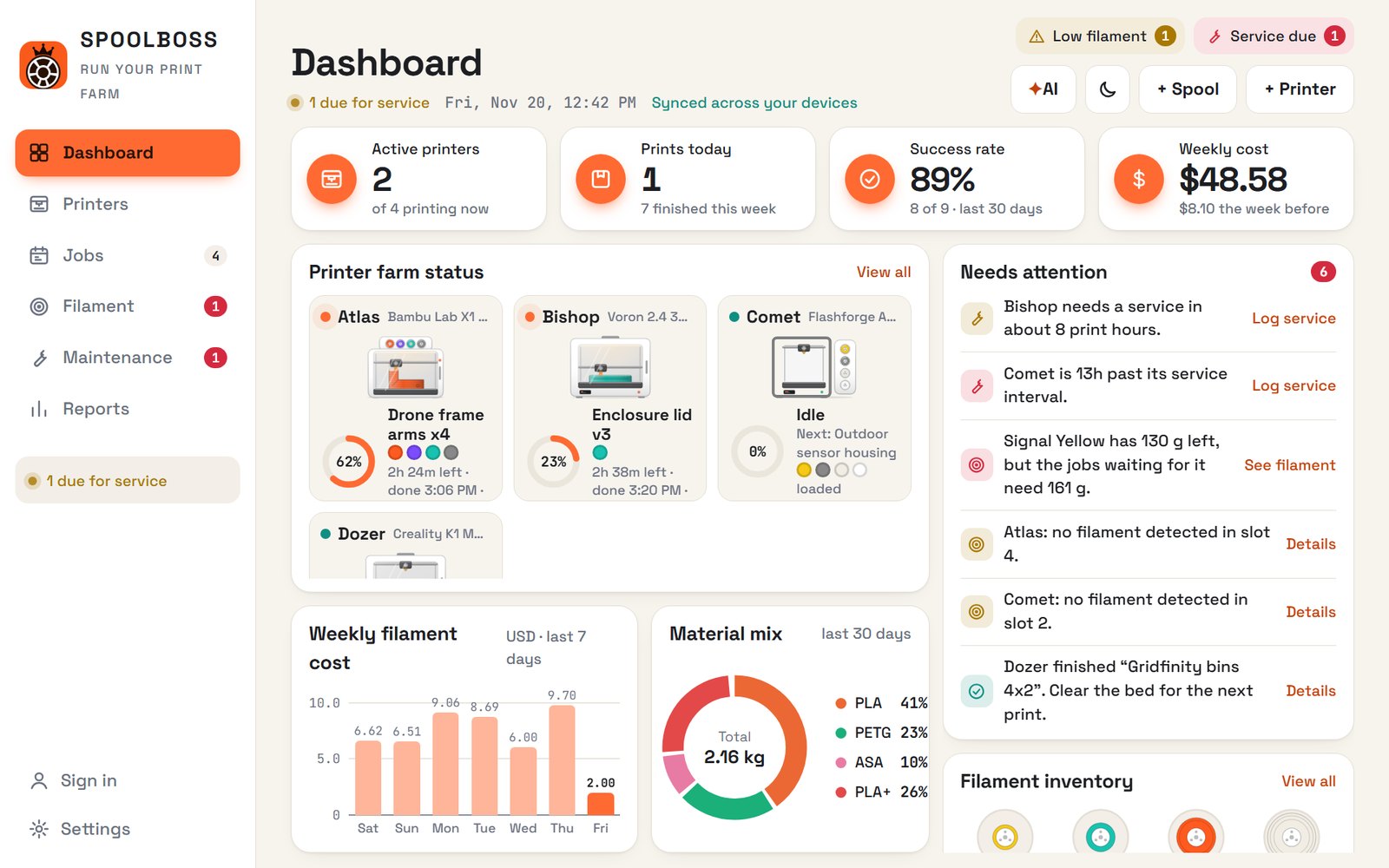
Guide 01 · 4 min
Get started: add your printers and filament
From an empty app to a working dashboard in about five minutes. No account needed to begin.
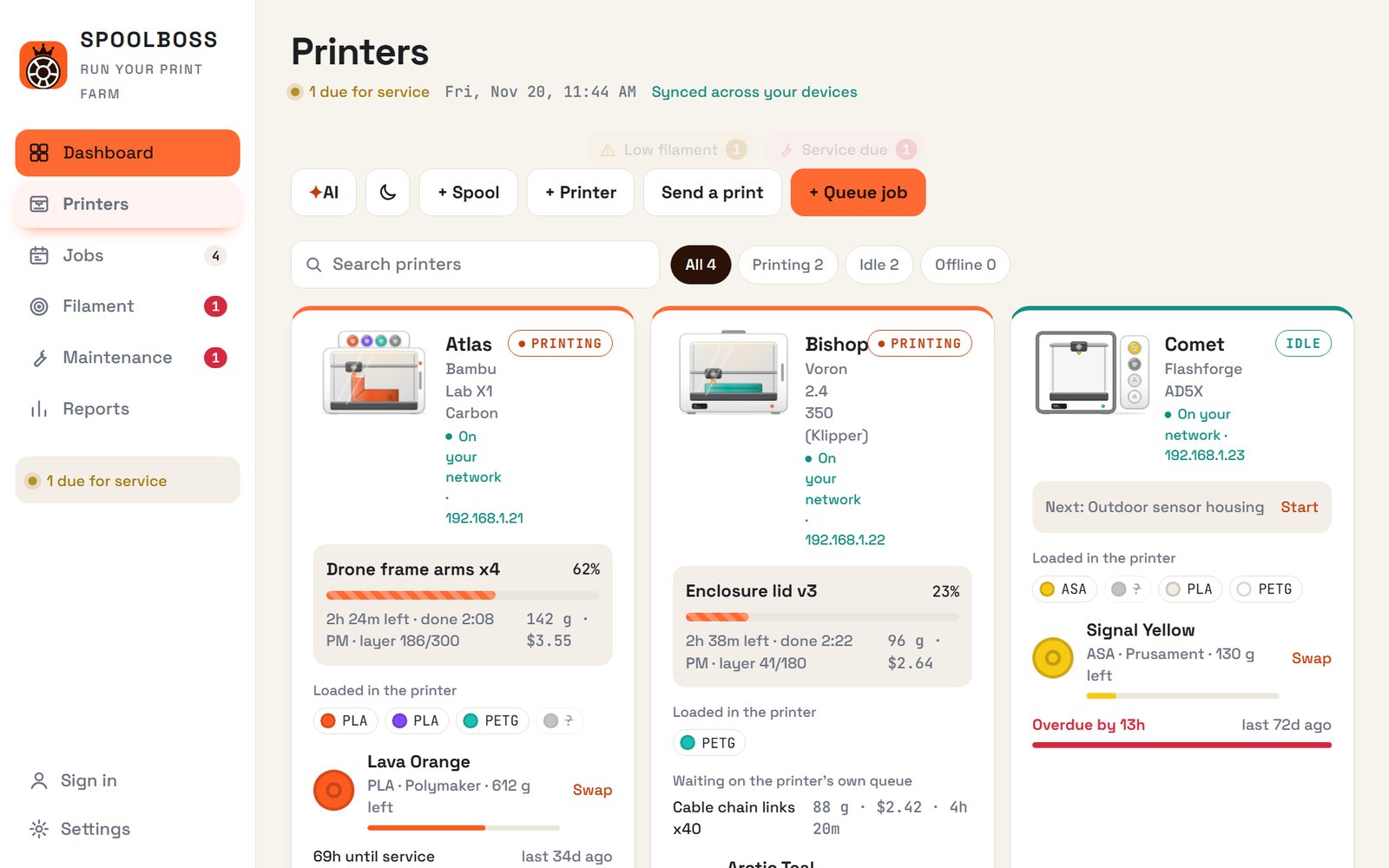
Guide 02 · 5 min
See your printers live with the SpoolBoss Connector
A small free program on a Windows computer finds your printers and keeps the app up to date with what each one is doing.
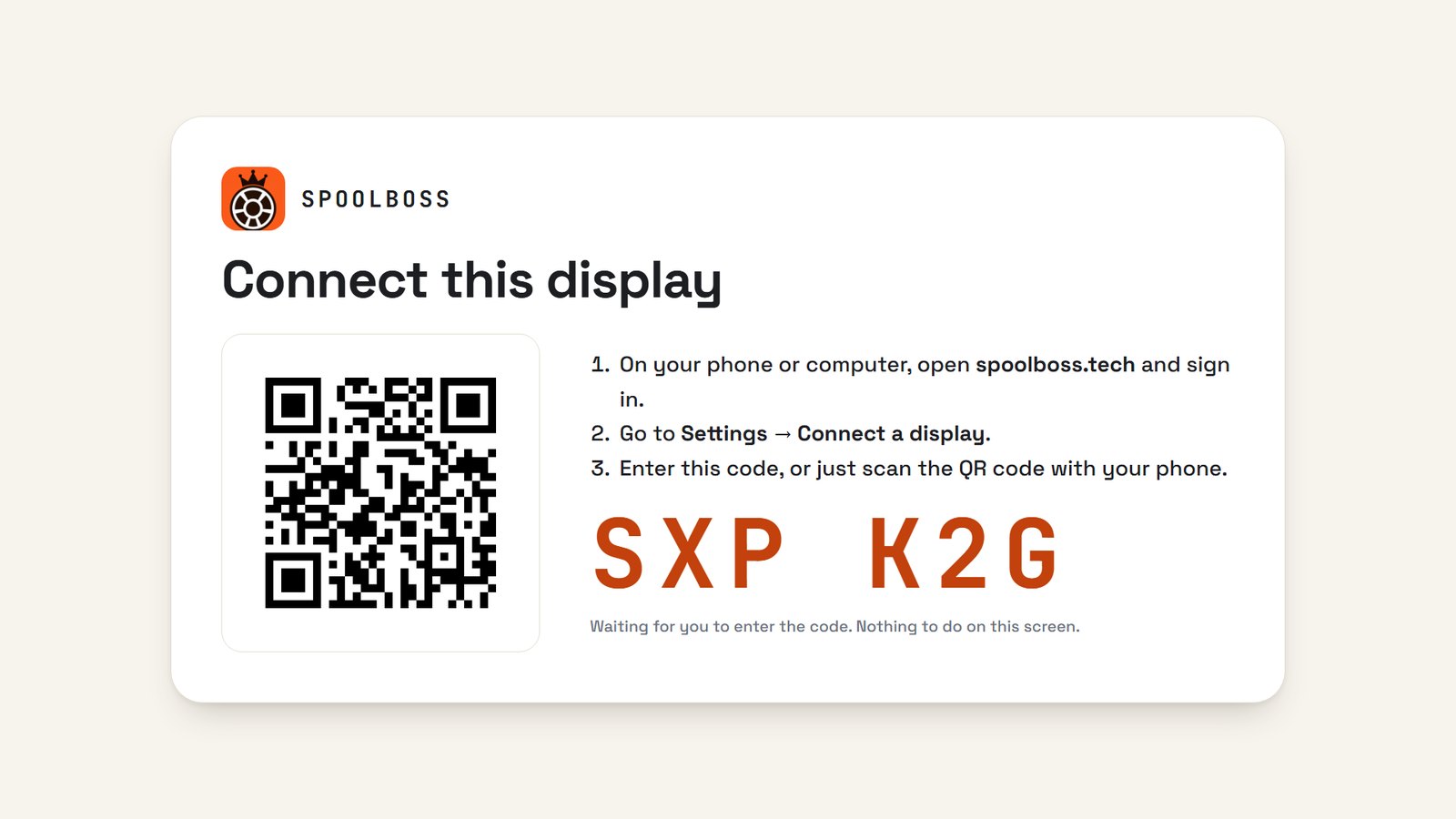
Guide 03 · 3 min
Connect a wall display
Put the dashboard on a screen in your workshop. Nobody signs in on the display itself.
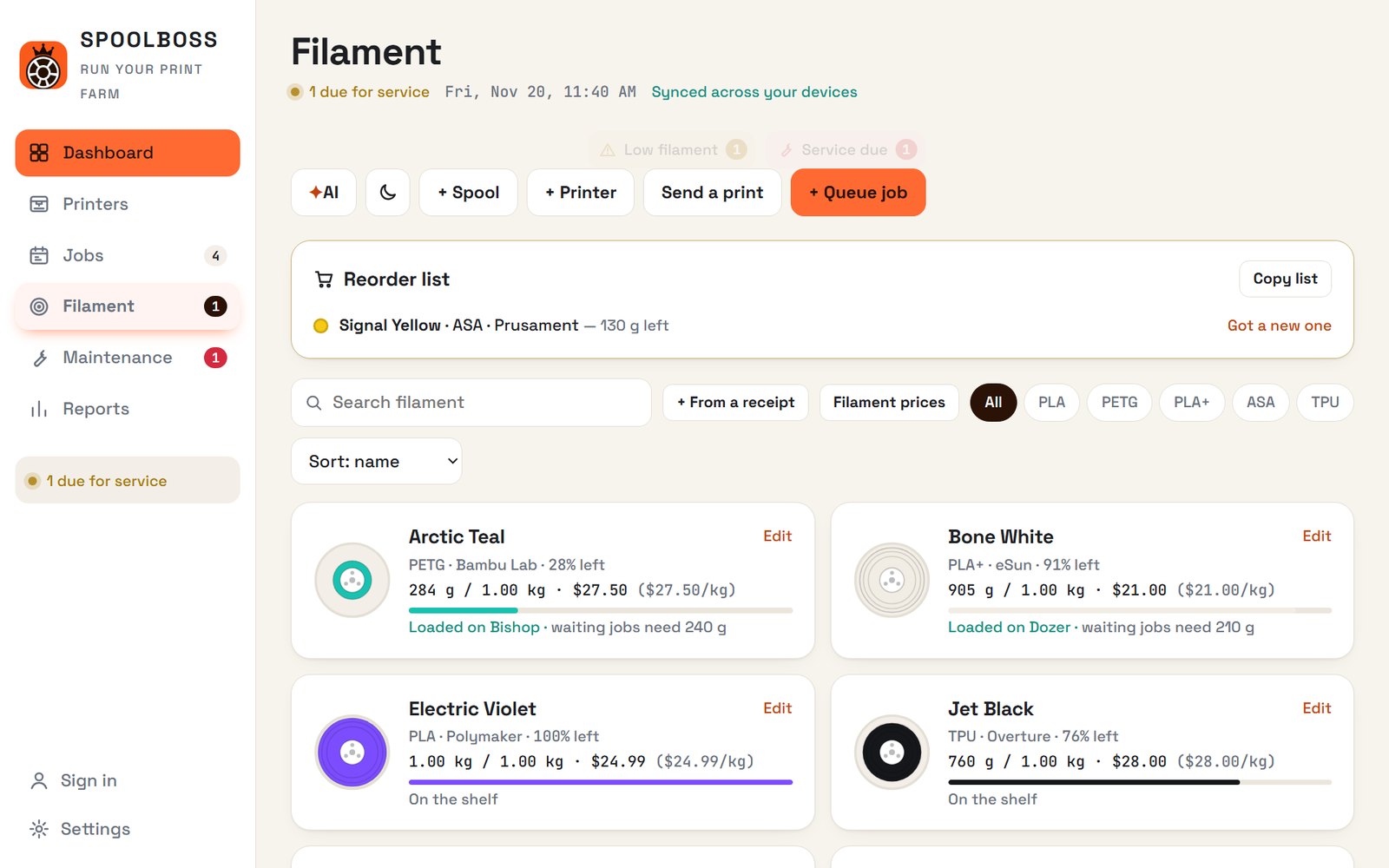
Guide 04 · 4 min
Track filament and add spools from a receipt
Keep an accurate list of every spool, and let SpoolBoss read new purchases off the receipt for you.
Guide 05 · 3 min
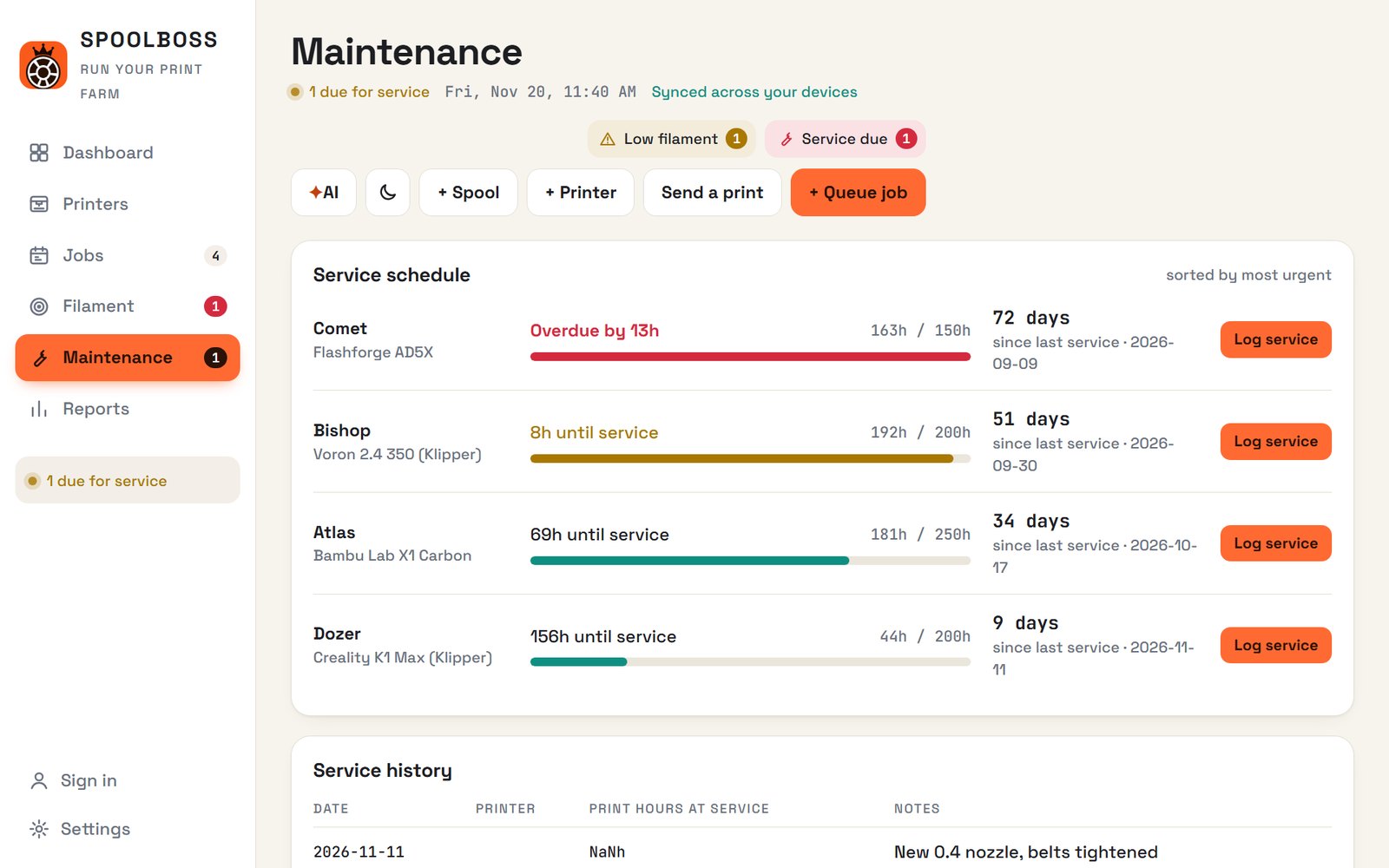
Set up maintenance reminders
SpoolBoss counts print hours for each printer and tells you when one is due for service.
Guide 06 · 4 min
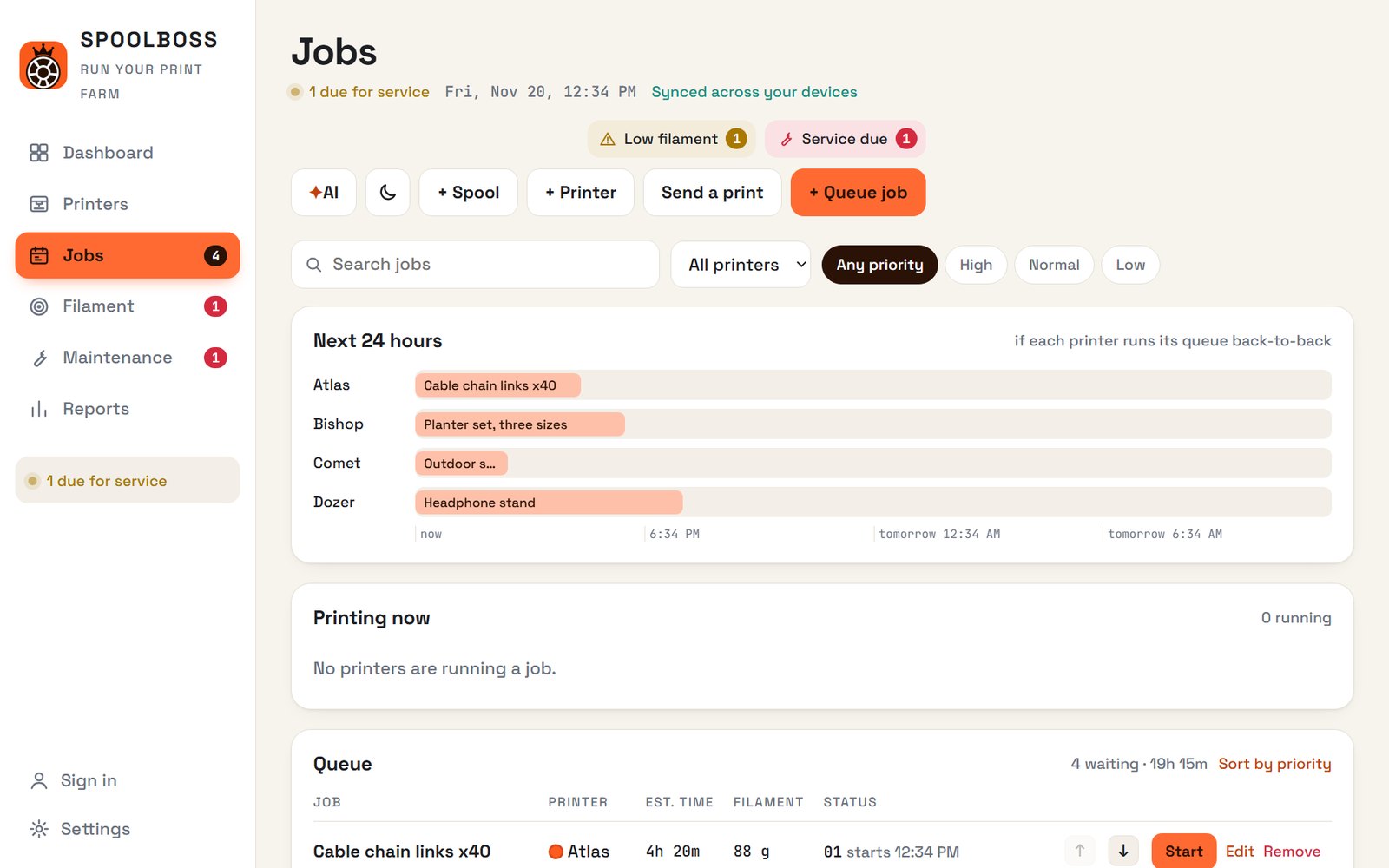
Plan your print queue and see what prints cost
Line up what is printing next on each machine and keep an honest record of what every print cost.
Guide 07 · 3 min
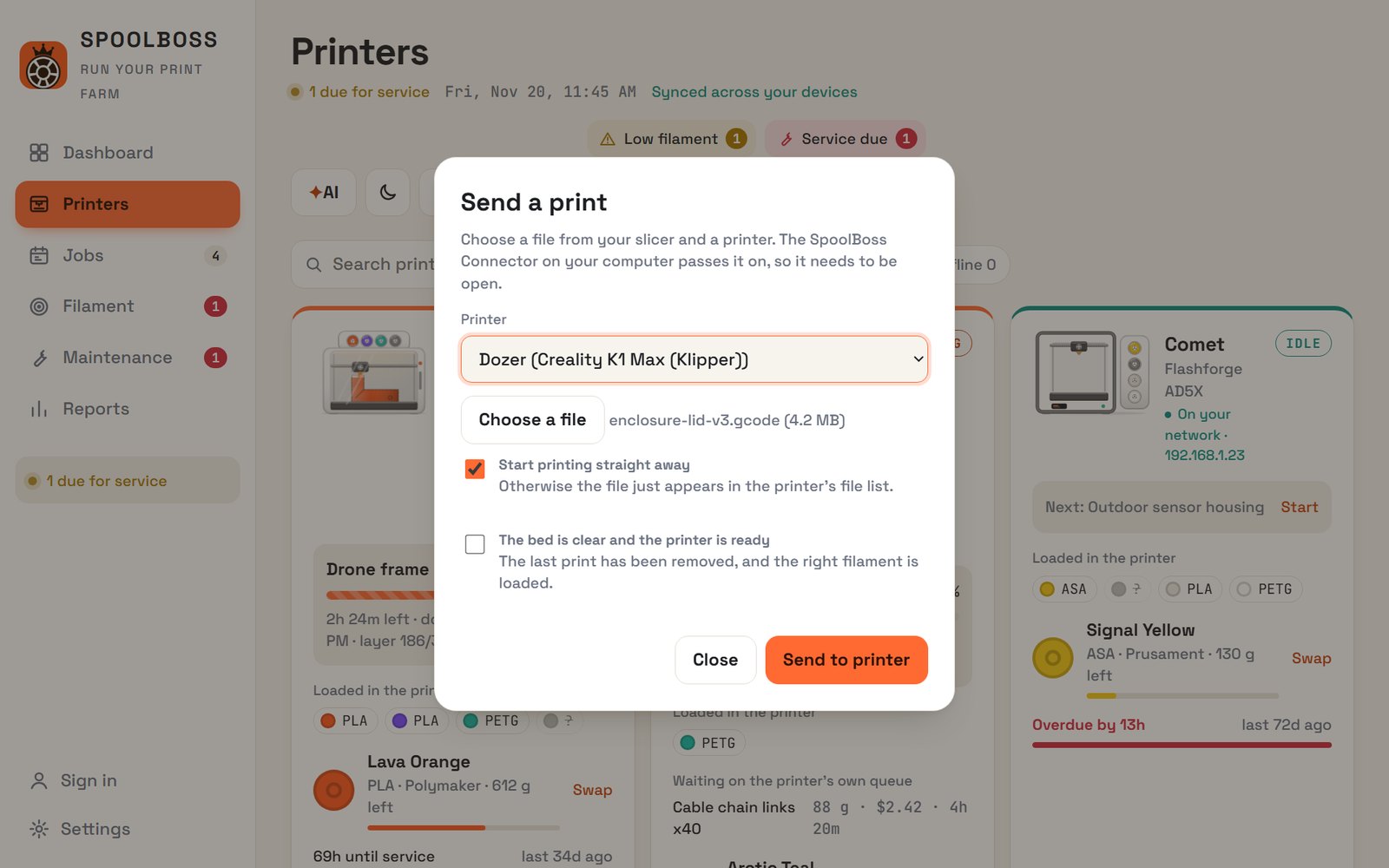
Send a print to a printer from SpoolBoss
Pick a sliced file and a printer on your phone or computer, and the file lands on the printer. Klipper printers can start printing straight away.
Guide 08 · 4 min
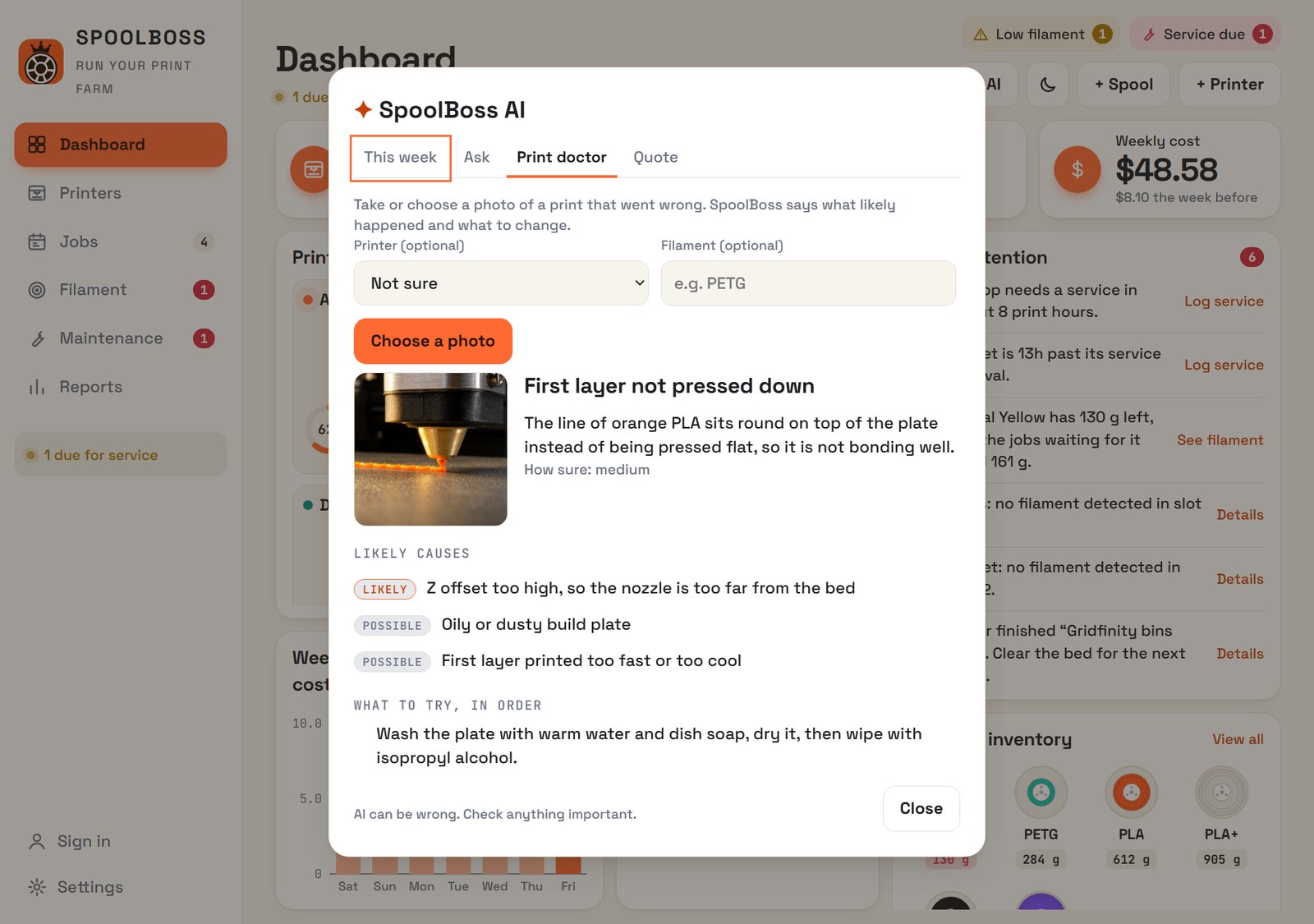
Use SpoolBoss AI
Four helpers behind the ✦ AI button: a weekly note, questions about your farm, a print failure doctor and a quote helper.
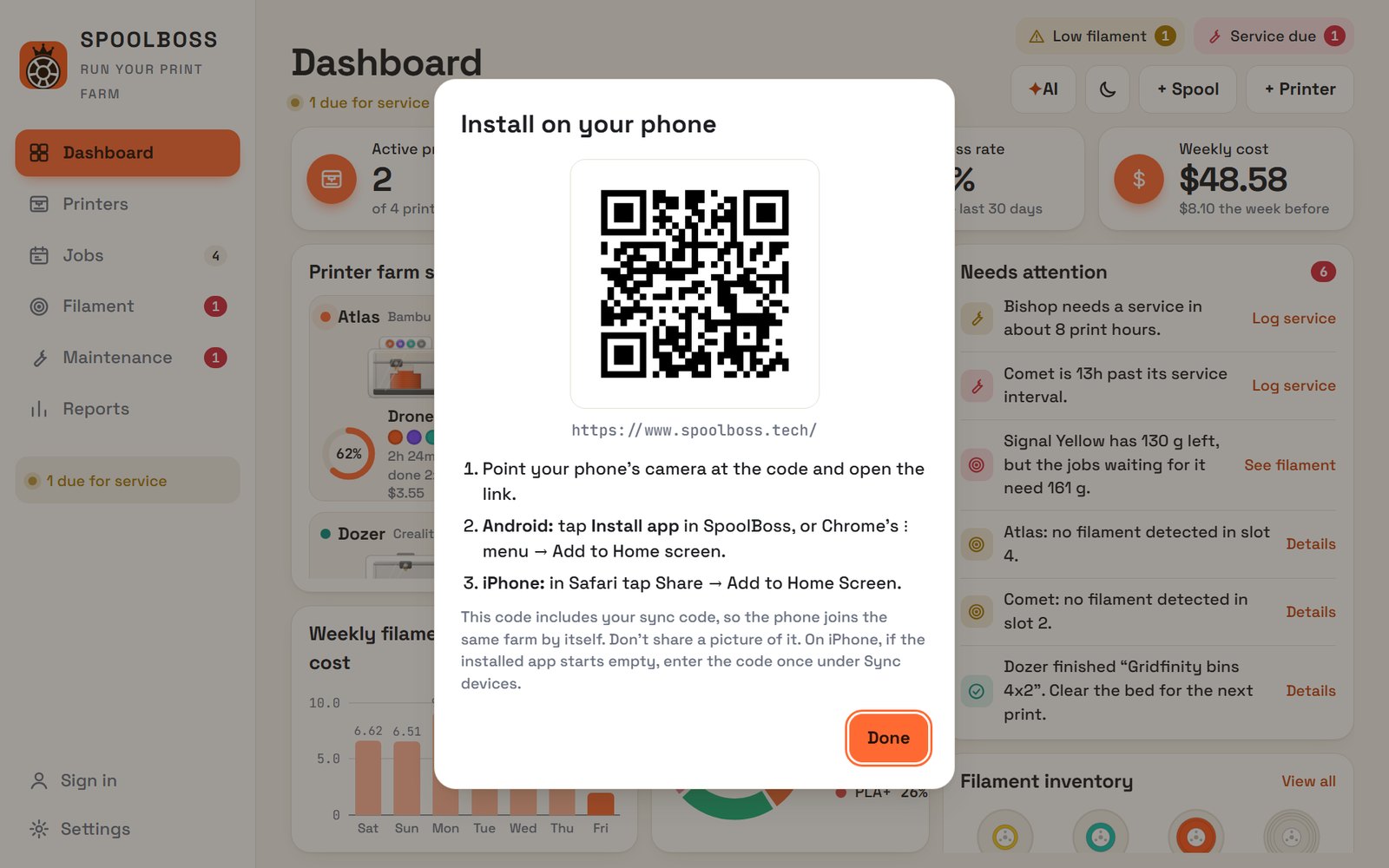
Guide 09 · 2 min
Install SpoolBoss on your phone
Put SpoolBoss on your home screen so it opens like any other app, and keep the same farm on every device.
3D printing how-tos · a new one every day
Step by step at the printer
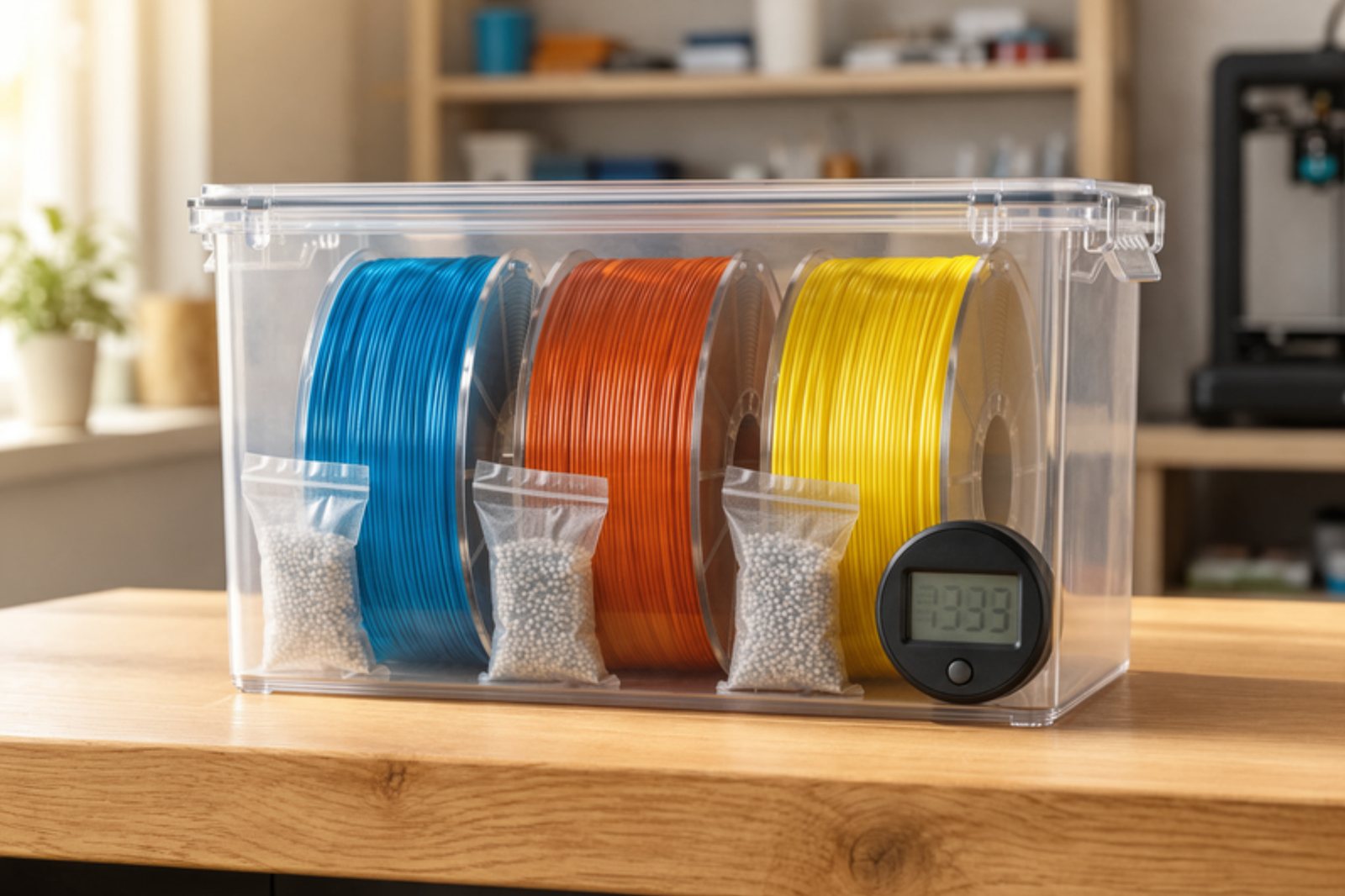
How-to · 240 min
How to Dry Filament at Home
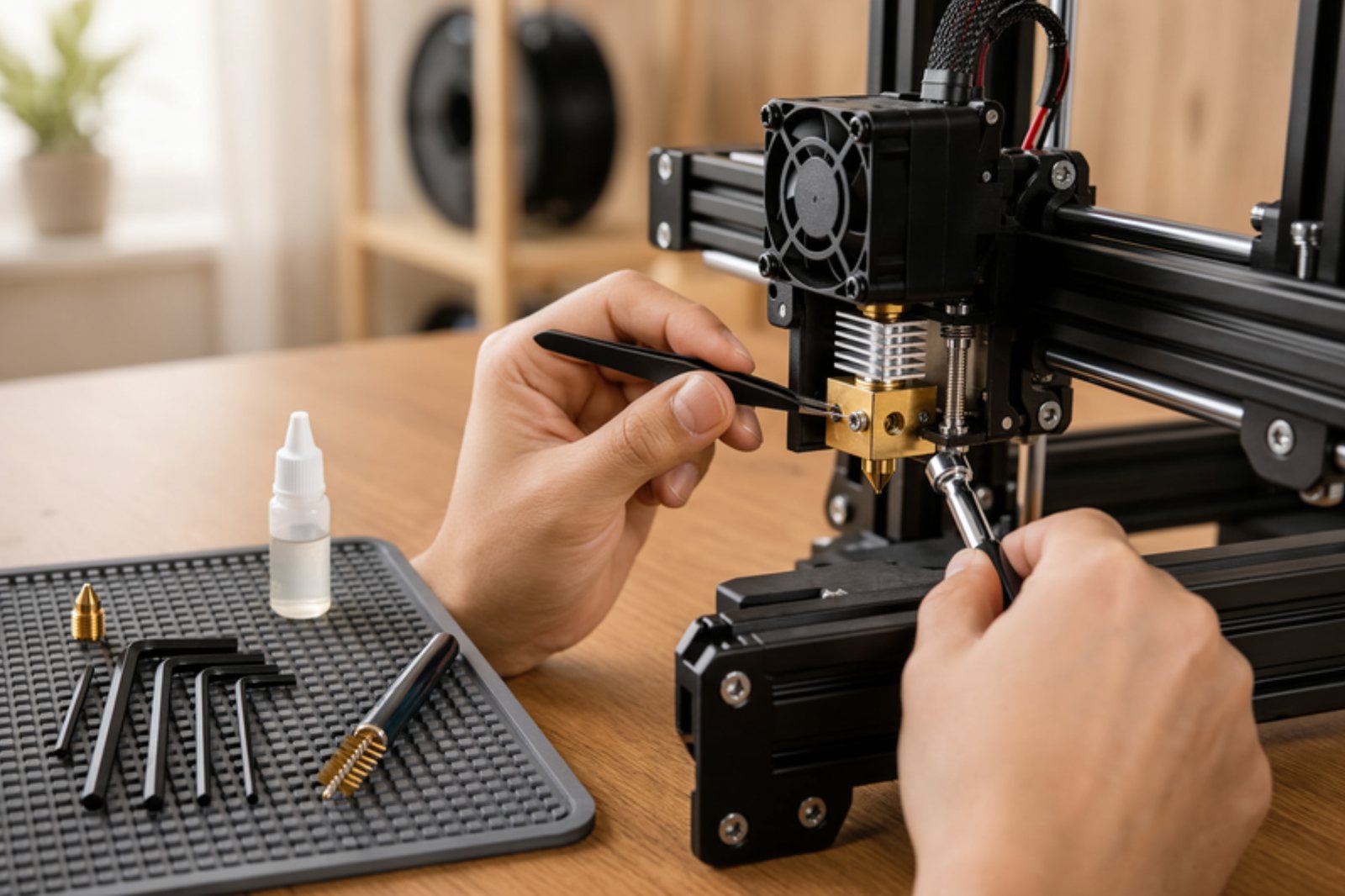
How-to · 20 min
How to Do a Cold Pull to Clear a Nozzle
How-to · 10 min
How to load and unload filament
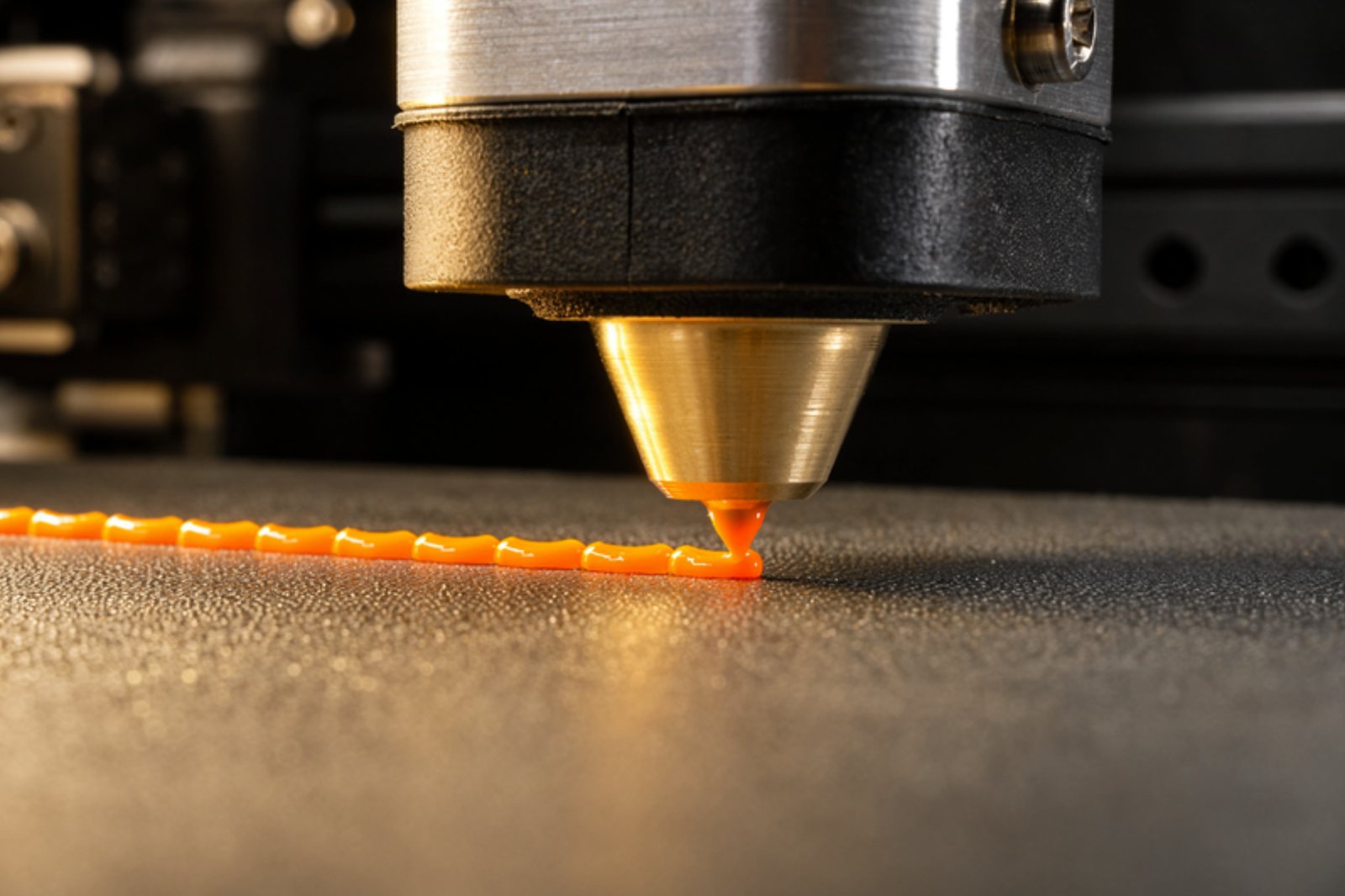
How-to · 15 min
How to Clean a PEI Build Plate
How-to · 20 min
How to set your Z offset
How-to · 20 min
How to level a 3D printer bed by hand
How-to · 20 min
How to change a 3D printer nozzle
Free on phone and computer
Open the app and follow along.
No card, no trial.