Guide · 4 min
Use SpoolBoss AI
Four helpers behind the ✦ AI button: a weekly note, questions about your farm, a print failure doctor and a quote helper.
- 01
Open the AI panel
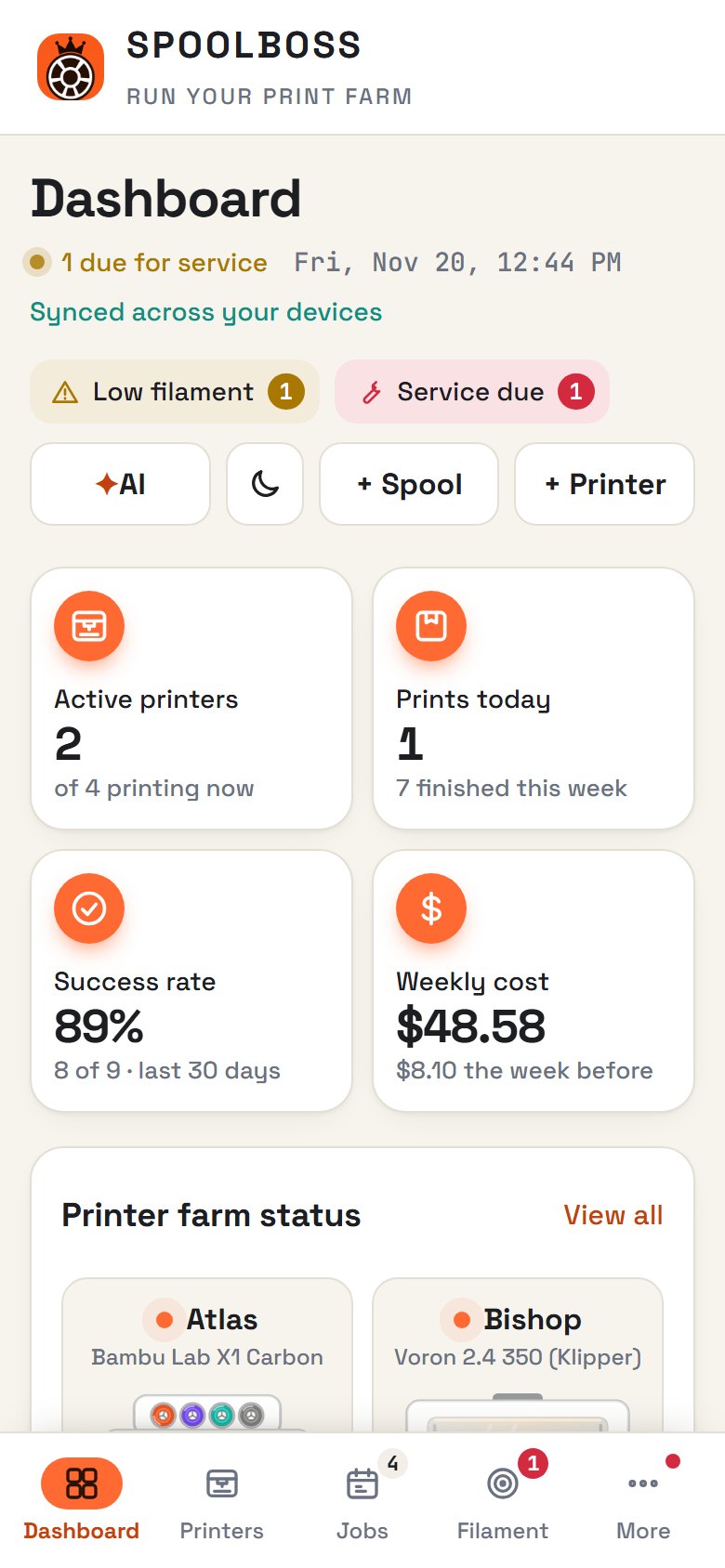
Press ✦ AI at the top of the app. On a phone it is also under More → ✦ SpoolBoss AI. You need to be signed in.
- 02
Read your weekly note
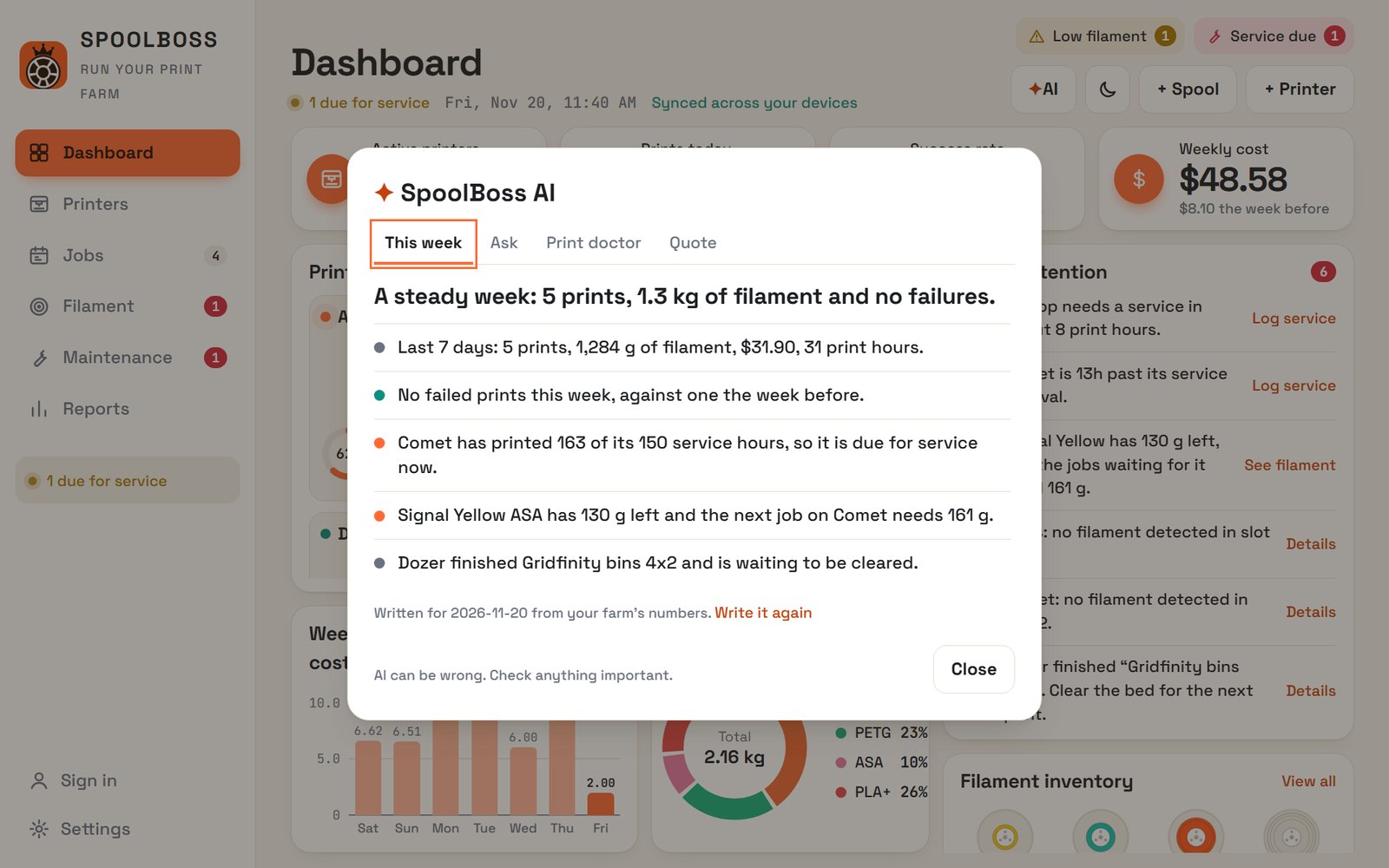
This week gives a headline and a few points: what printed, what it cost, what failed, and which printer or spool needs attention.
- 03
Ask a question
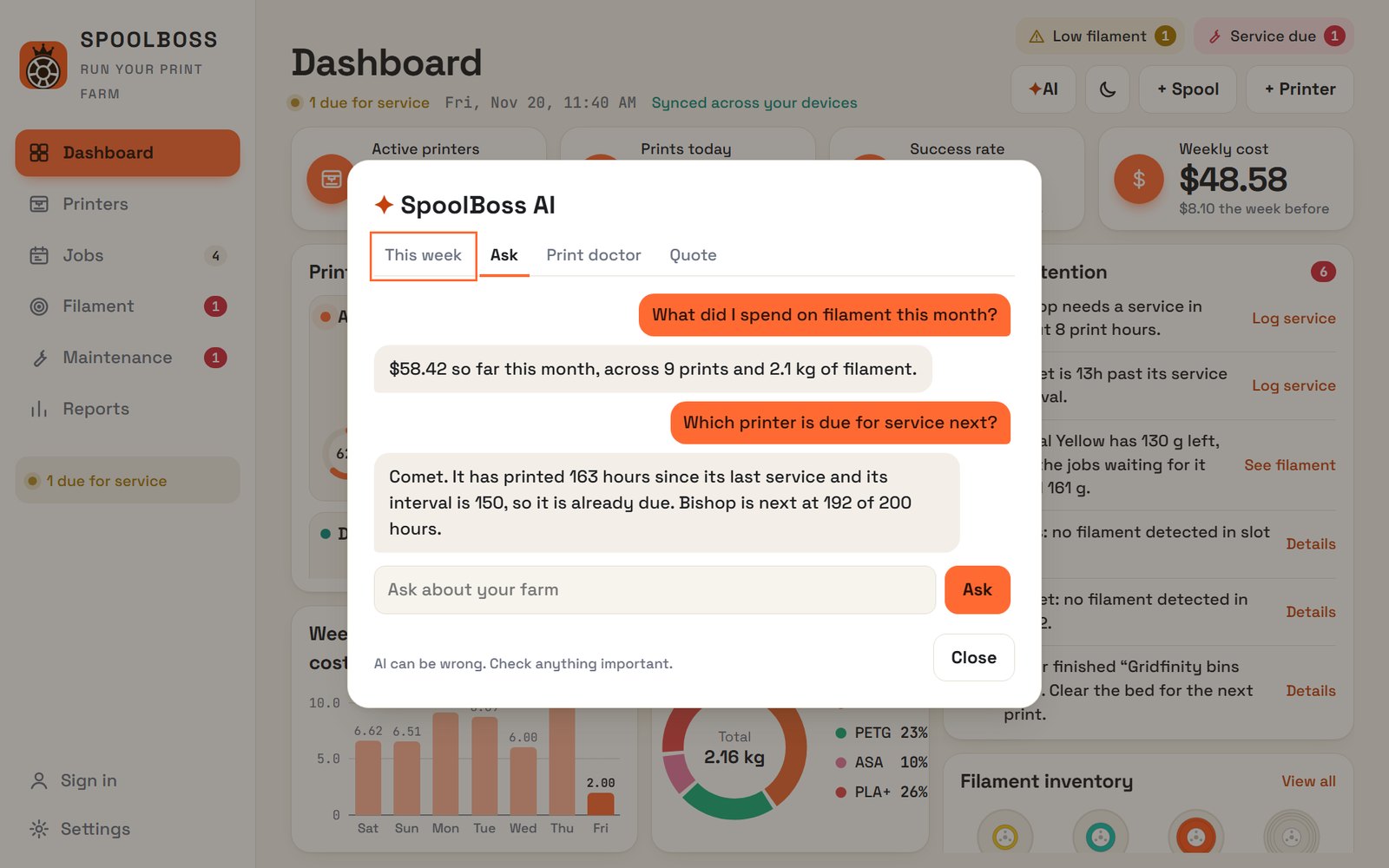
Ask answers from your own numbers. Try "What did I spend on filament this month?" or "Which printer is due for service next?"
- 04
Diagnose a failed print
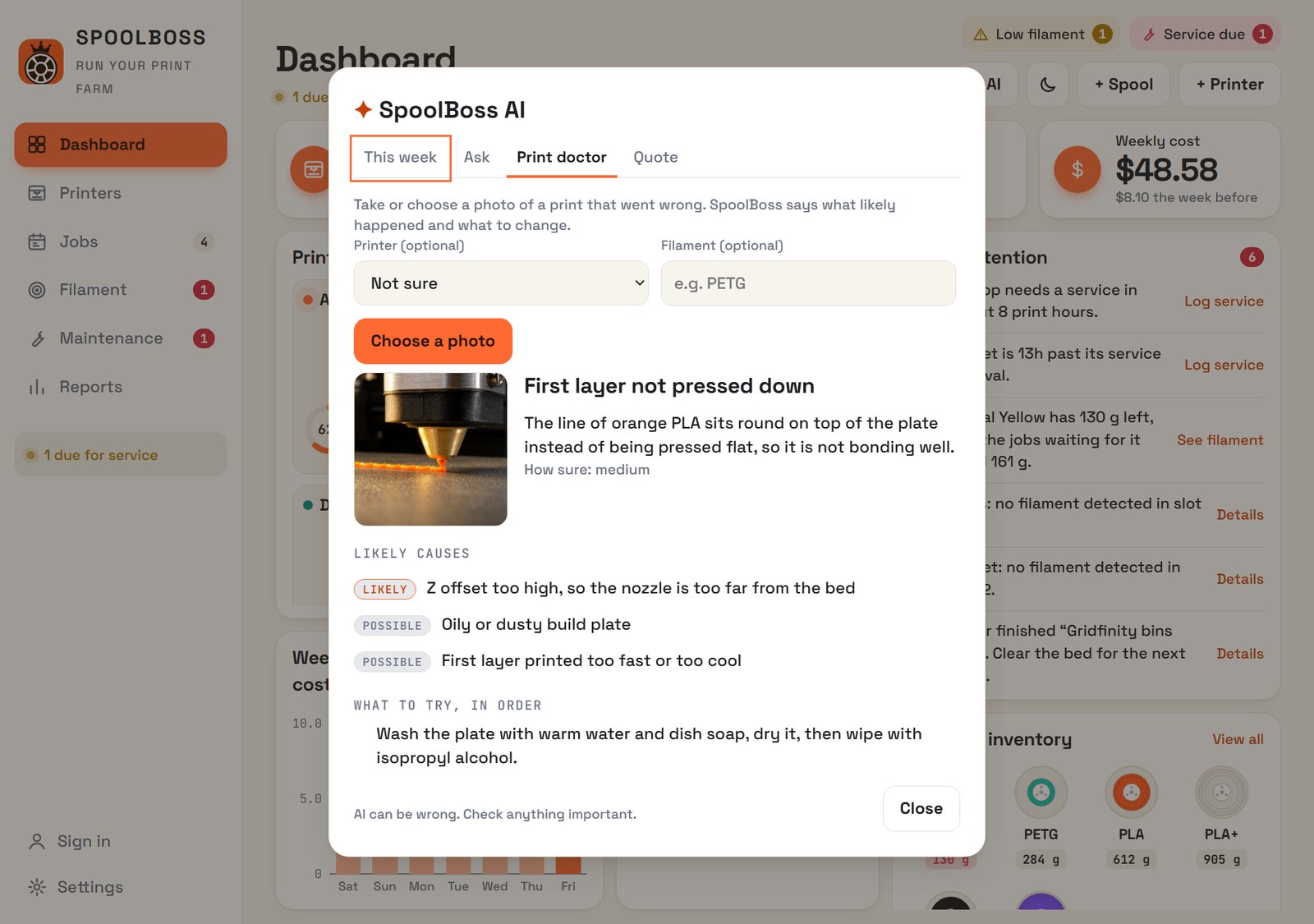
In Print doctor, choose a photo of the print. You get the problem in plain words, the likely causes, steps to try in order and settings to change.
- 05
Write a quote
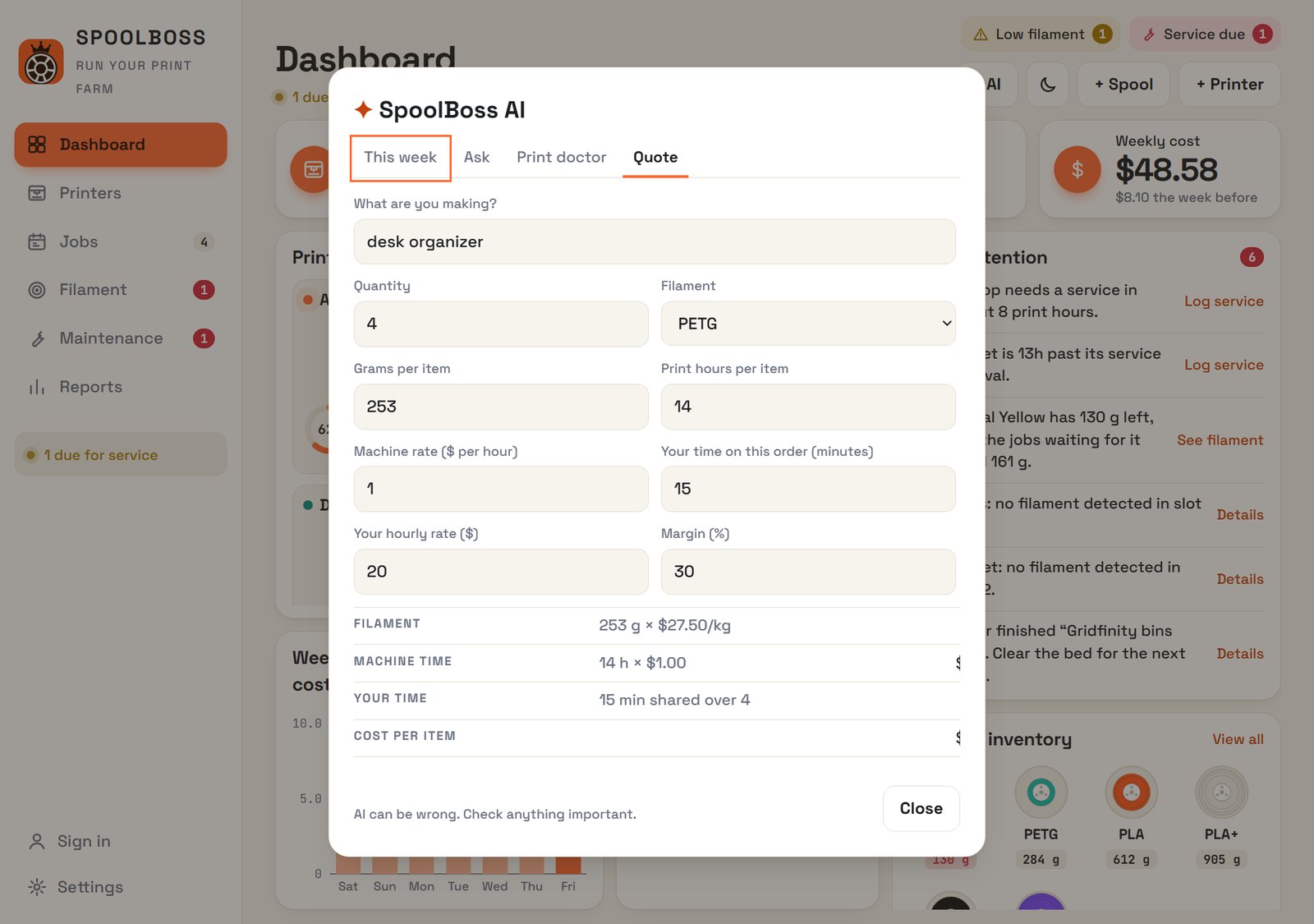
In Quote, enter the grams, hours and quantity. SpoolBoss works out the price from your real filament costs and writes a message you can send to your customer.
Next guide: Install SpoolBoss on your phone