Guides / Running a farm
From one printer to a small farm without losing track
The second and third printer are where notes on paper stop working. Seven habits that keep a small print farm calm, whether it is a hobby or a side business.

One printer is a hobby you can hold in your head. Three printers is a small factory. Which one has the white PETG? Which is due a nozzle? What is printing, what finished overnight, and what should start next? The plastic is the same; the difference is organisation.
1. Name your printers
Give each machine a short name and put a label on the front. "Lava needs filament" is a sentence anyone in the house can act on. "The second one from the left" is not. Names also make your records meaningful: failures, hours and costs belong to a machine, not to "the printers".
2. Keep one queue
Write down what is waiting to print and which machine it suits. The most common waste on a small farm is not failed prints. It is an idle printer sitting next to a list of jobs nobody started. A queue turns "what shall I print?" into "what is next?".
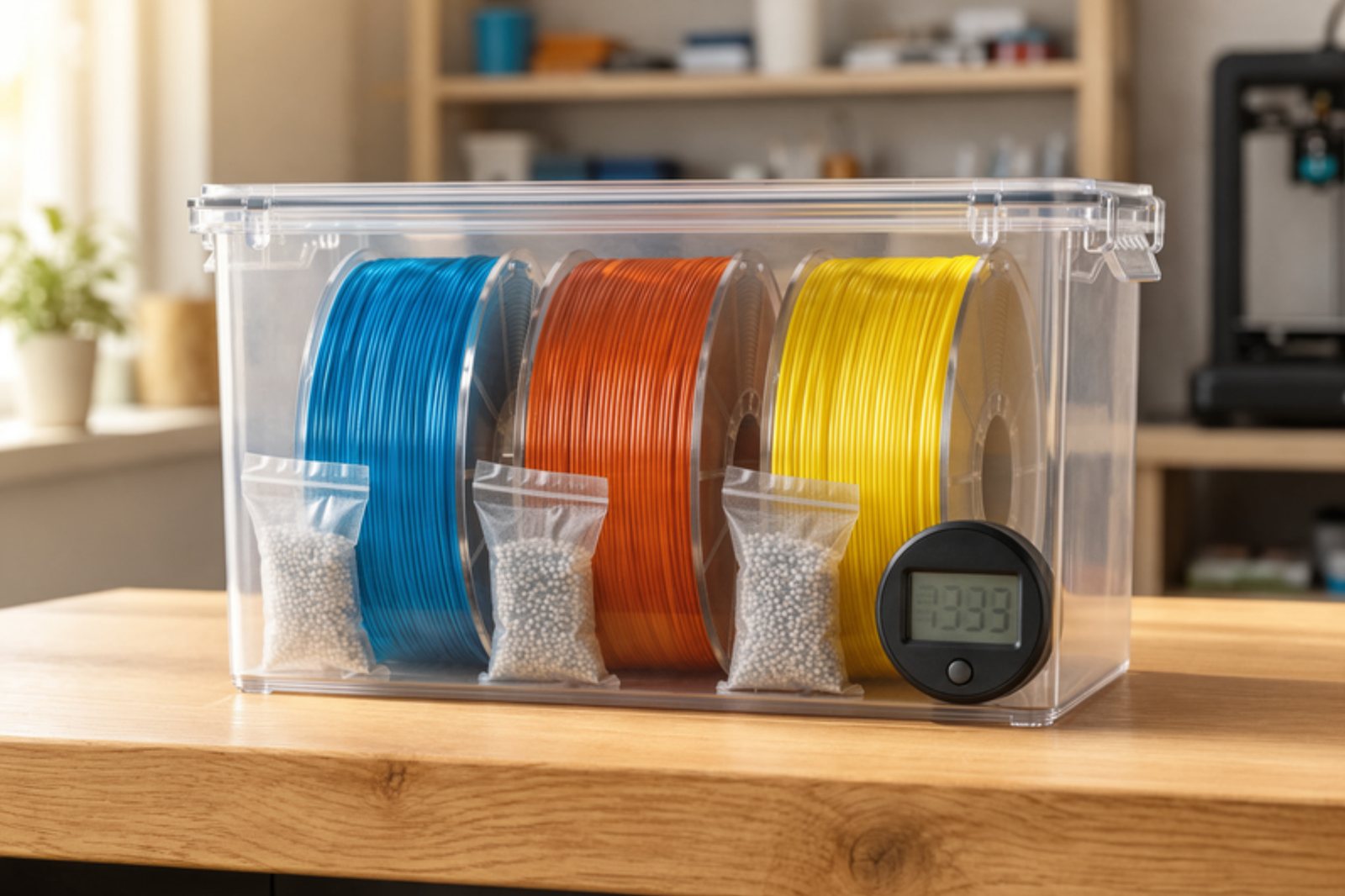
3. Know what is loaded
Record which spool is on which printer, and roughly how much is left. It ends the "is that PLA or PETG?" guess, and it stops the worst failure of all: a 14 hour print that runs out of filament at hour 13.
| Before a long print, check | Why |
|---|---|
| Grams needed vs grams left on the spool | Running out ruins the print on machines without a runout sensor |
| Material and colour really are what the label says | Wrong material means wrong temperatures |
| The printer is not near its service interval | A worn nozzle shows up most on long jobs |
| The plate is clean | First-layer failures waste the most time |
4. Standardise what you can
Every difference between machines is something to remember. Where you can, use the same nozzle size, the same build plate type and the same slicer profiles. A job should be able to run on whichever printer is free. Keep the exceptions deliberate: one machine with a hardened nozzle for abrasive filament, for example.
5. Batch by material and colour
Changing filament takes time and wastes plastic. Group jobs so that a printer runs several prints in the same spool before you swap. On a three-printer farm this alone can save an hour a week.
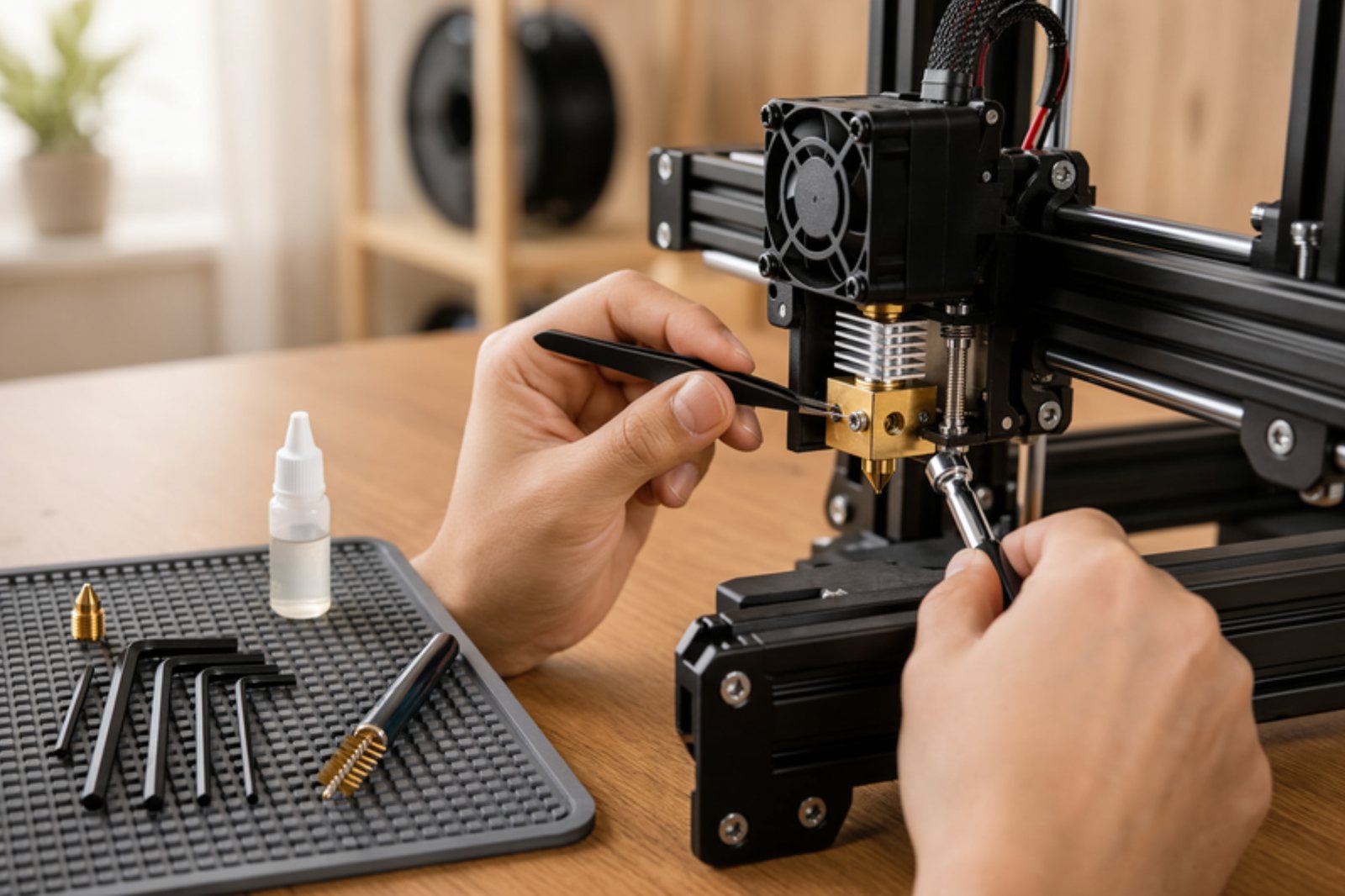
6. Keep a small spares kit
- Two or three nozzles in your standard size.
- A spare build plate.
- PTFE tube and a couple of fittings, if your printers use them.
- A spare hotend fan and part-cooling fan.
- A belt, if your machine uses a common size.
None of these is expensive. All of them turn a week of waiting for a delivery into a ten minute fix.
The most common waste on a small farm is an idle printer next to a list of jobs nobody started.
7. Put the status where you can see it
Walking round the room to check four screens gets old in a week. A single view of every printer, what it is printing, how far along, what is loaded, means you notice the finished print and the paused one straight away.
That is what SpoolBoss is for. The app is free on your phone and computer and finds the printers on your network by itself. If you want it on the workshop wall, the SpoolBoss Connected Display shows the same dashboard all day: turn it on, enter the code it shows on your phone, and it joins your farm.
Common questions
How many 3D printers make a print farm?
There is no official number. In practice, once you have three or more machines running regularly you have the problems of a farm: queues, mixed materials, and maintenance that no longer fits in your head.
How do I manage multiple 3D printers?
Name each printer, keep one shared queue, record which spool is loaded on which machine, standardise nozzles and plates where you can, and put a live status screen where you can see it.
Is it better to have one fast printer or several slower ones?
For steady output, several ordinary printers usually beat one fast one: a failure or a service stops only part of your capacity, and you can run different materials at the same time.