Guide · 4 min
Track filament and add spools from a receipt
Keep an accurate list of every spool, and let SpoolBoss read new purchases off the receipt for you.
- 01
Open Filament
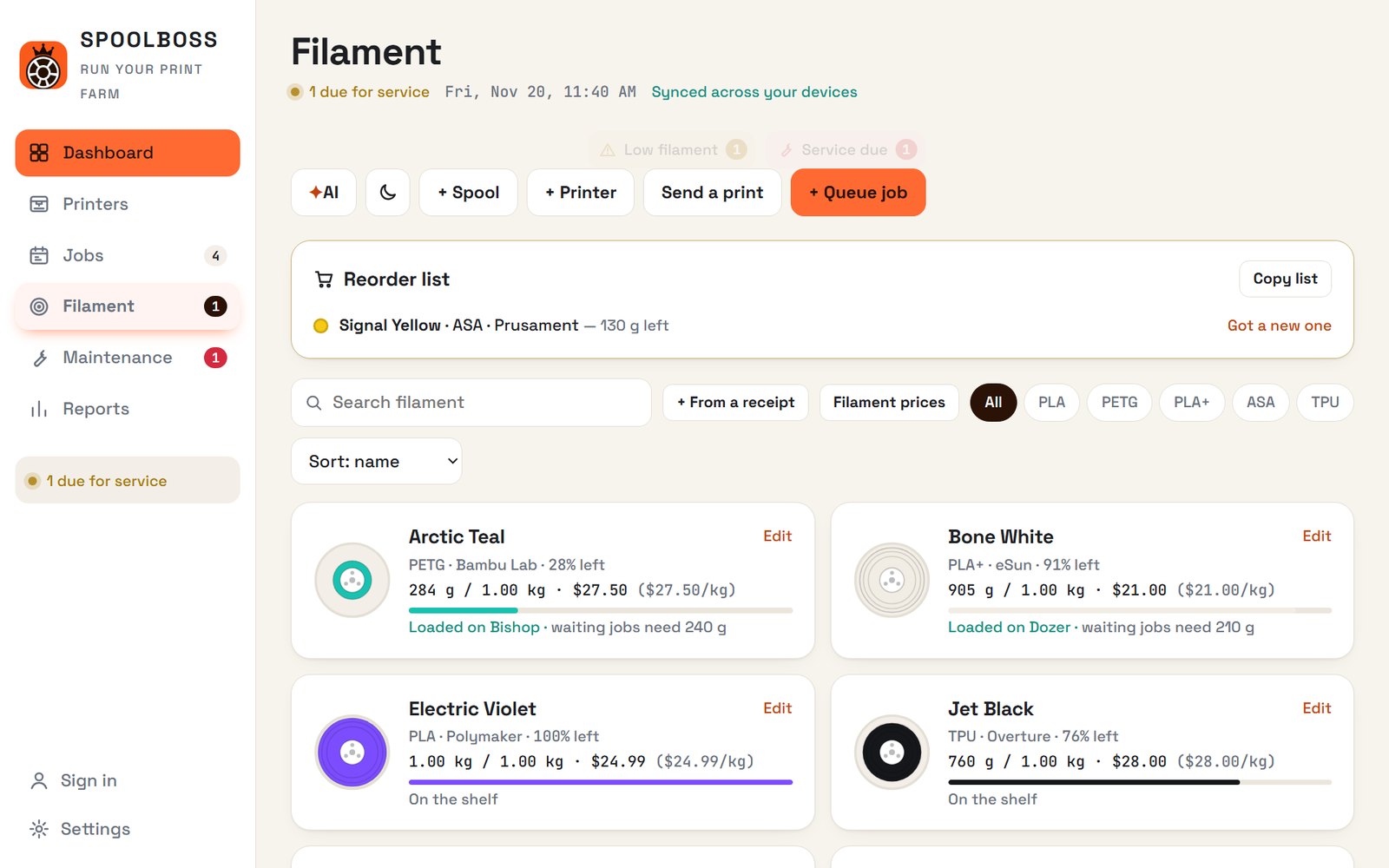
The Filament screen lists every spool with how much is left. Spools that will run out before the queued jobs finish are flagged at the top.
- 02
Add from a receipt
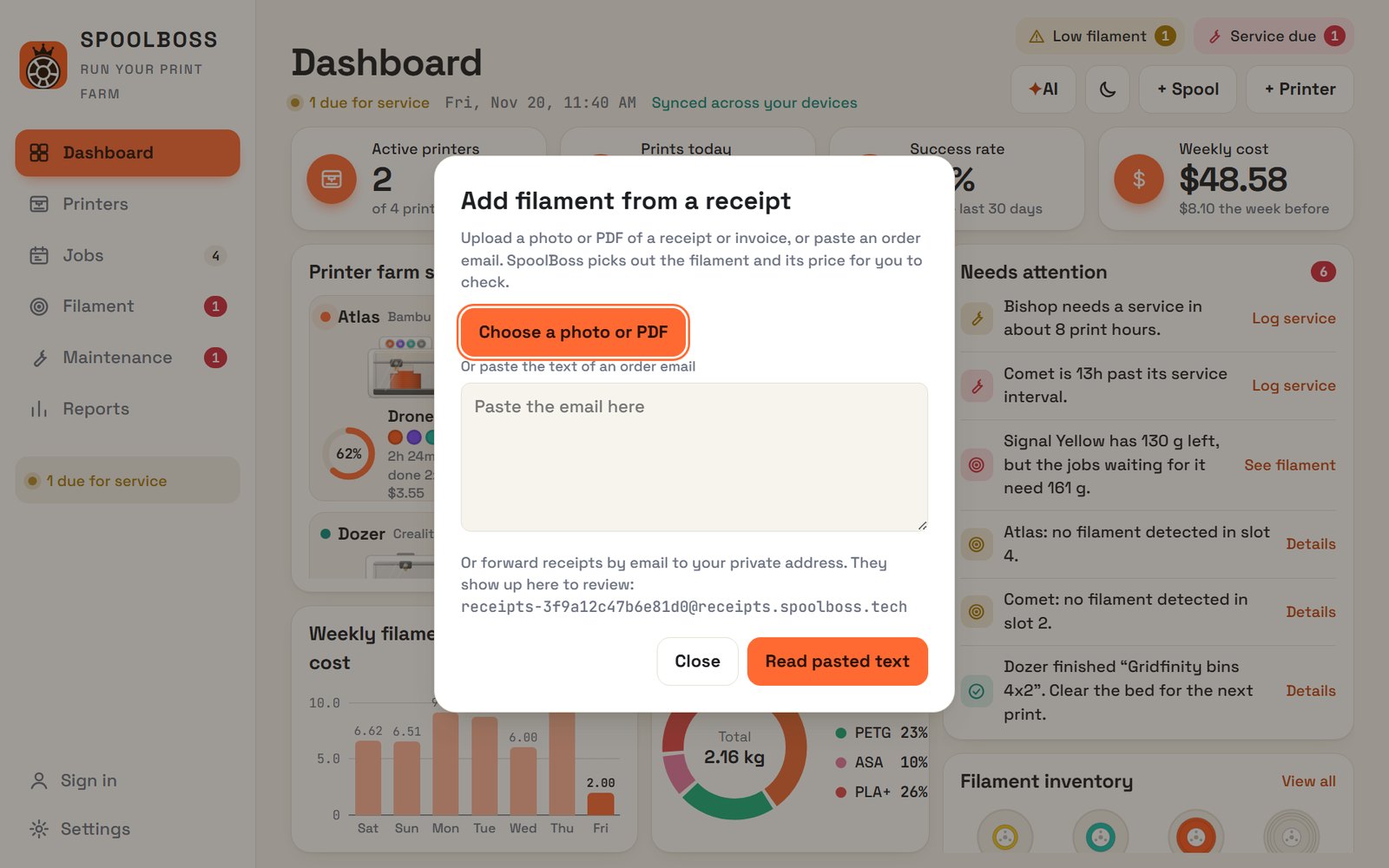
Choose + From a receipt. Take a photo of the receipt, pick the PDF invoice, or paste the text of the order email.
- 03
Check what was found
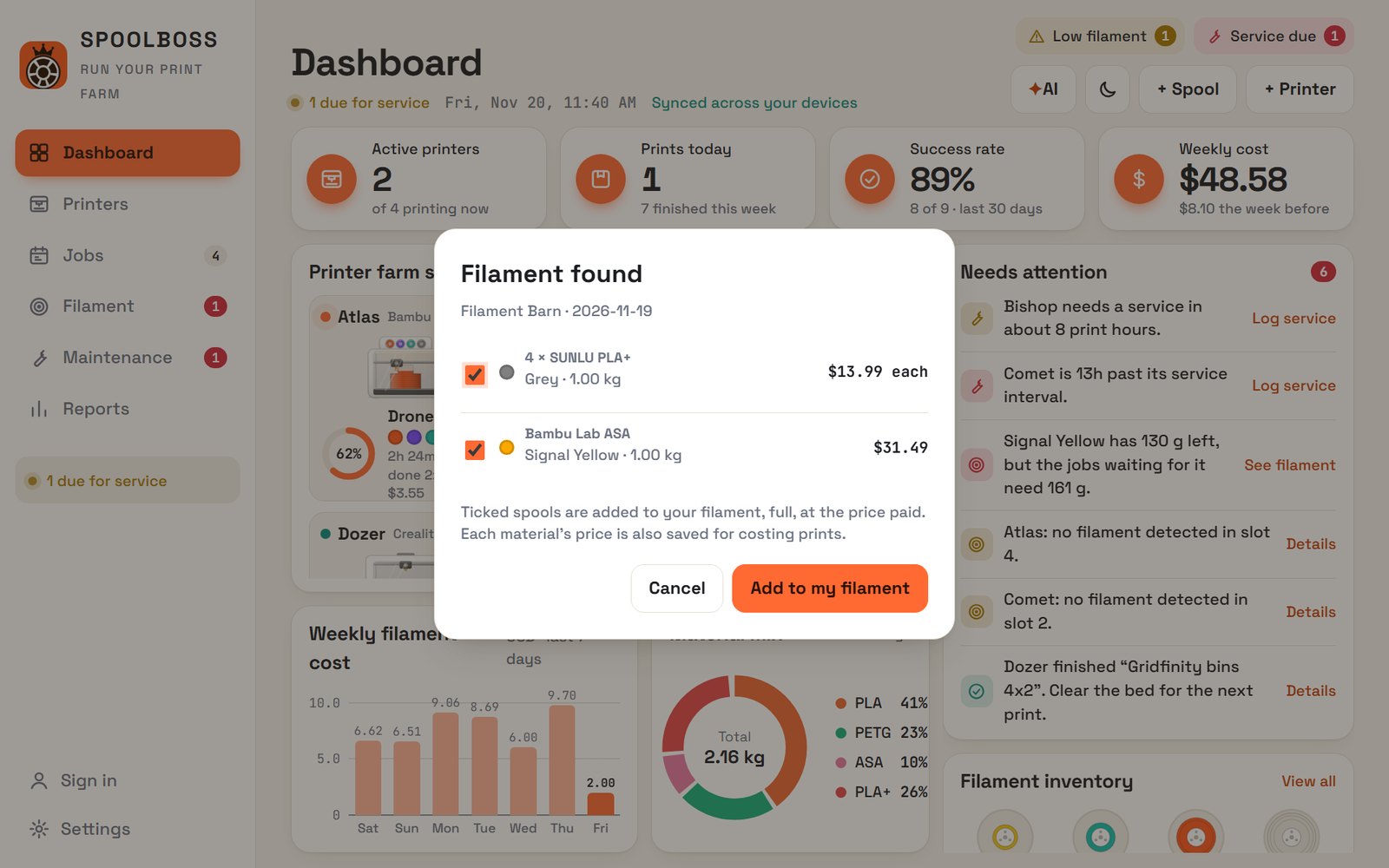
SpoolBoss lists the filament it found with the price paid for each spool. Untick anything you do not want and press Add to my filament. Multi-packs are split into single spools at the right price each.
- 04
Or forward the email
The receipt dialog shows your private address ending in receipts.spoolboss.tech. Forward any order email there and it appears under Needs attention for you to review.
- 05
Set your usual prices
Settings → Filament prices lets you enter what a 1 kg spool usually costs, by material. It is used when a print is not tied to a particular spool.
Next guide: Set up maintenance reminders