Guide · 3 min
Set up maintenance reminders
SpoolBoss counts print hours for each printer and tells you when one is due for service.
- 01
Set the interval
Open a printer and set Service every (print hours). 200 hours suits most desktop printers; choose less for a machine that prints abrasive filament.
- 02
Watch the schedule
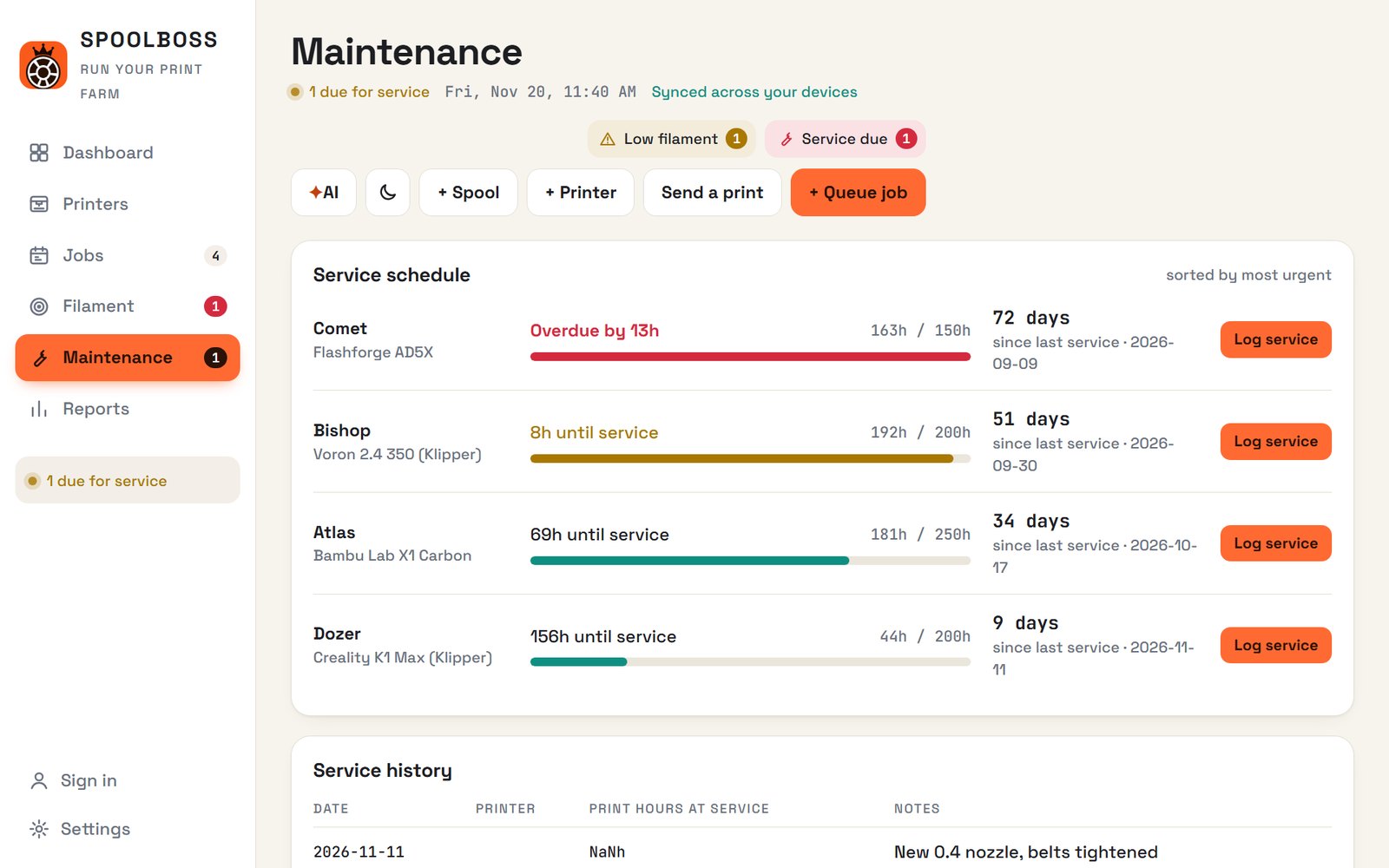
The Maintenance screen lists every printer with its hours since the last service. The most urgent is at the top.
- 03
Log a service
When you have serviced a printer, press Log service. The counter resets and the date and your note are saved in the service history below.
- 04
See it on the dashboard
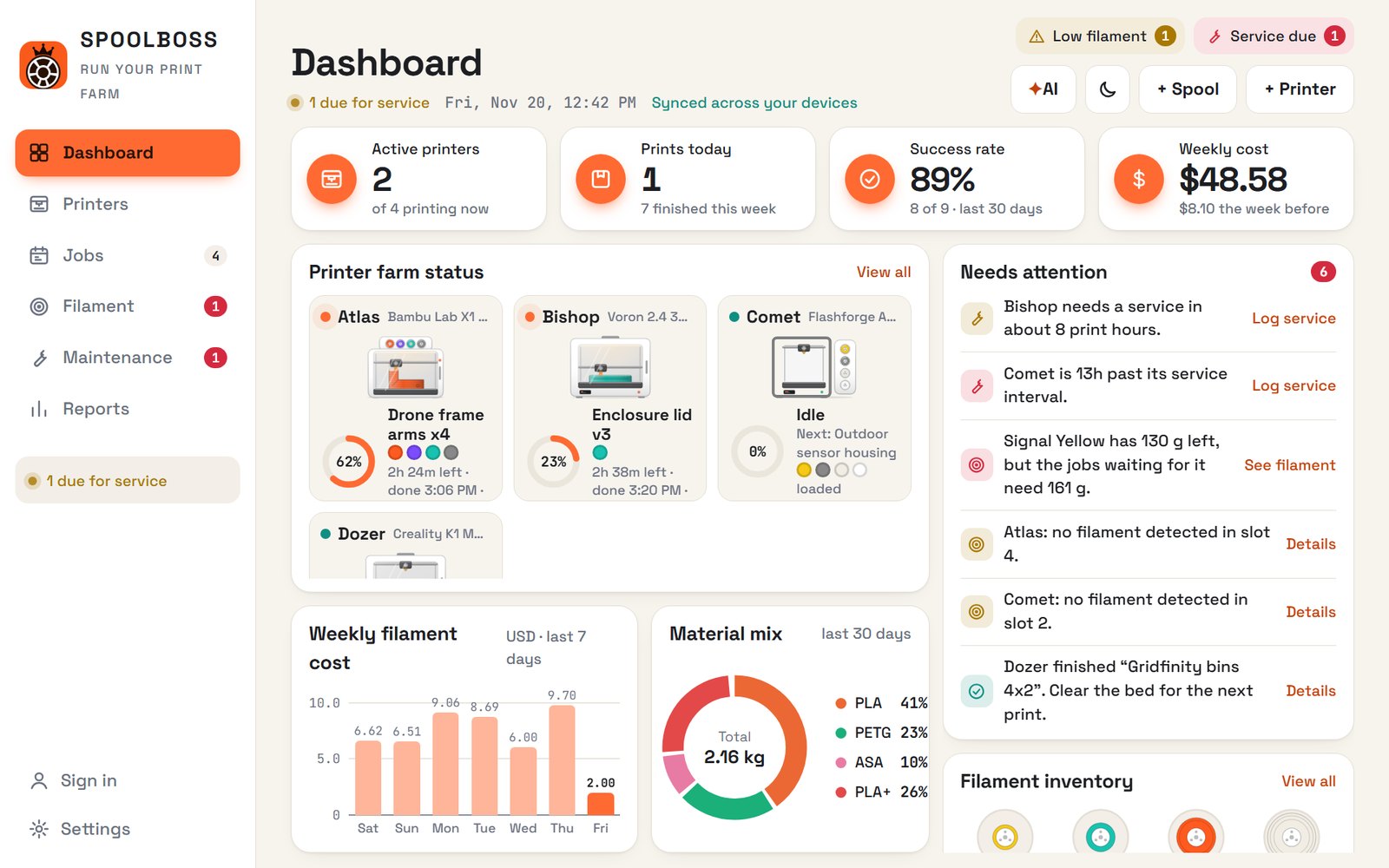
A printer that is due shows under Needs attention, and a "Service due" chip appears at the top of every screen.
Next guide: Plan your print queue and see what prints cost